Free trial
Learn Excel inside Excel. Try it free for 15 days.
Get better at the Excel work you do every day, from your first formulas to advanced analysis. Free, no credit card required.
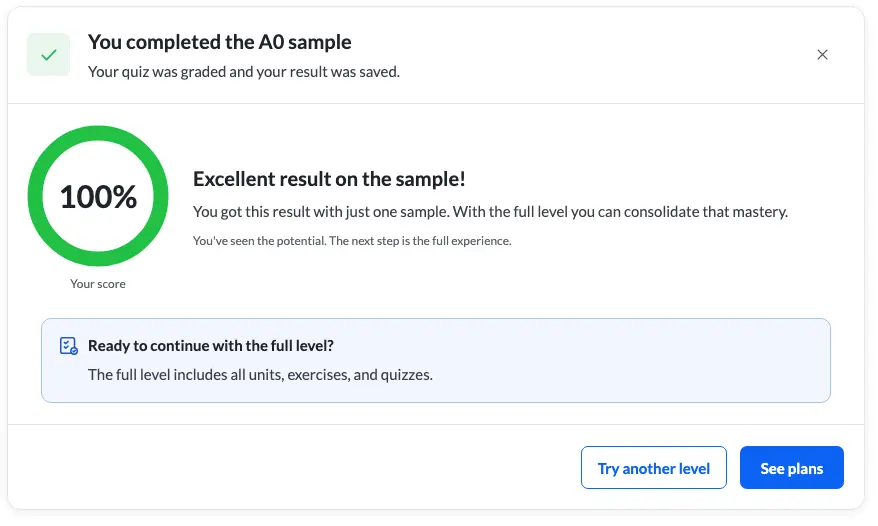
✓ Exercise checked
💬 Trainer on live chat
📊 Your score at each checkpoint
2,000+ companies are increasing their productivity with us.















What makes Ninja Excel different.
Yours to try, free.
You try Ninja Excel the same way our learners use it.
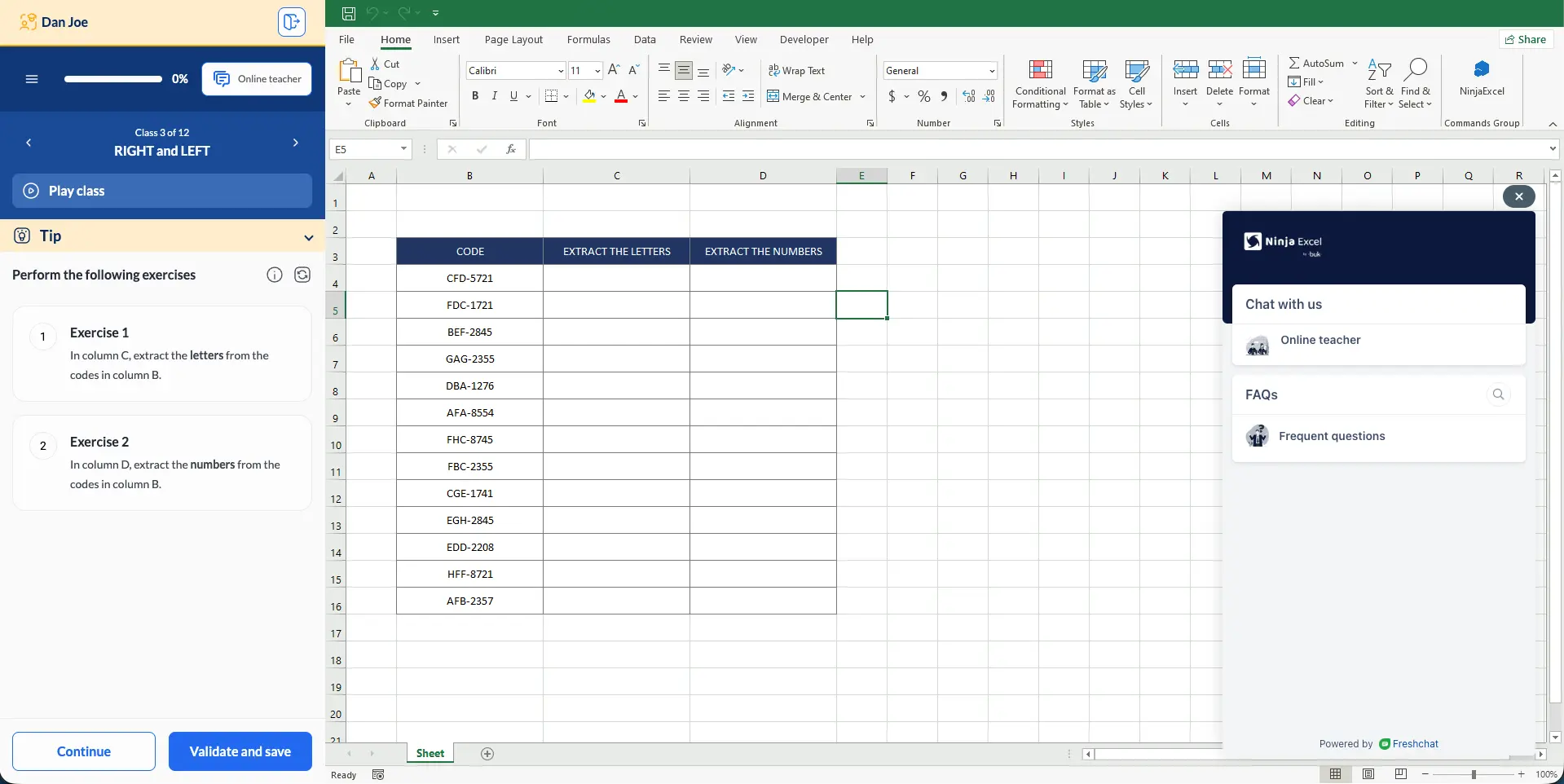
Learning by doing
Every lesson turns into practice
You work through the exercises in Excel right after each lesson. Each one is checked as you go, so you know what you got right before you move on.
The platform
Excel, right in your browser
Lessons and exercises happen in a real Excel sheet built into the platform. There's nothing to install and no license to buy. Log in and start.
Online Teacher
A trainer when you get stuck
Ask on live chat and a Microsoft Certified Trainer helps you with the exact step you're on.
Microlearning
Lessons that fit your week
Lessons take about 10 minutes. You can finish one between meetings and keep your progress going.
See the training your team will get, before you buy it
One team, many Excel levels. Try the lessons and exercises yourself for free, before you roll them out.
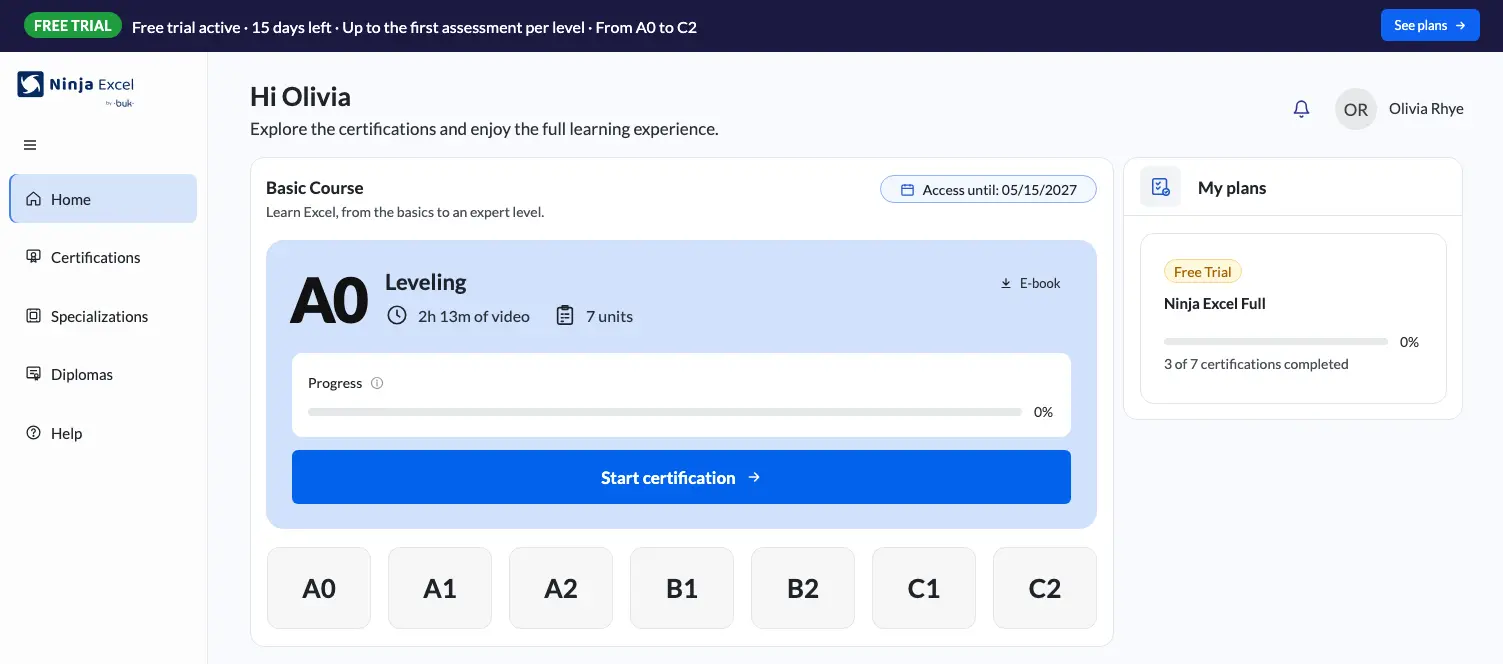
Take the same lessons and exercises your team would. See learning by doing for yourself: you solve an exercise in Excel and see it checked right away. Then you decide, with the experience in hand.
- The same lessons and exercises your team will take.
- Learning by doing, live: you solve it in Excel and see it checked.
- No credit card and no sales call.
Every level, from beginner to advanced
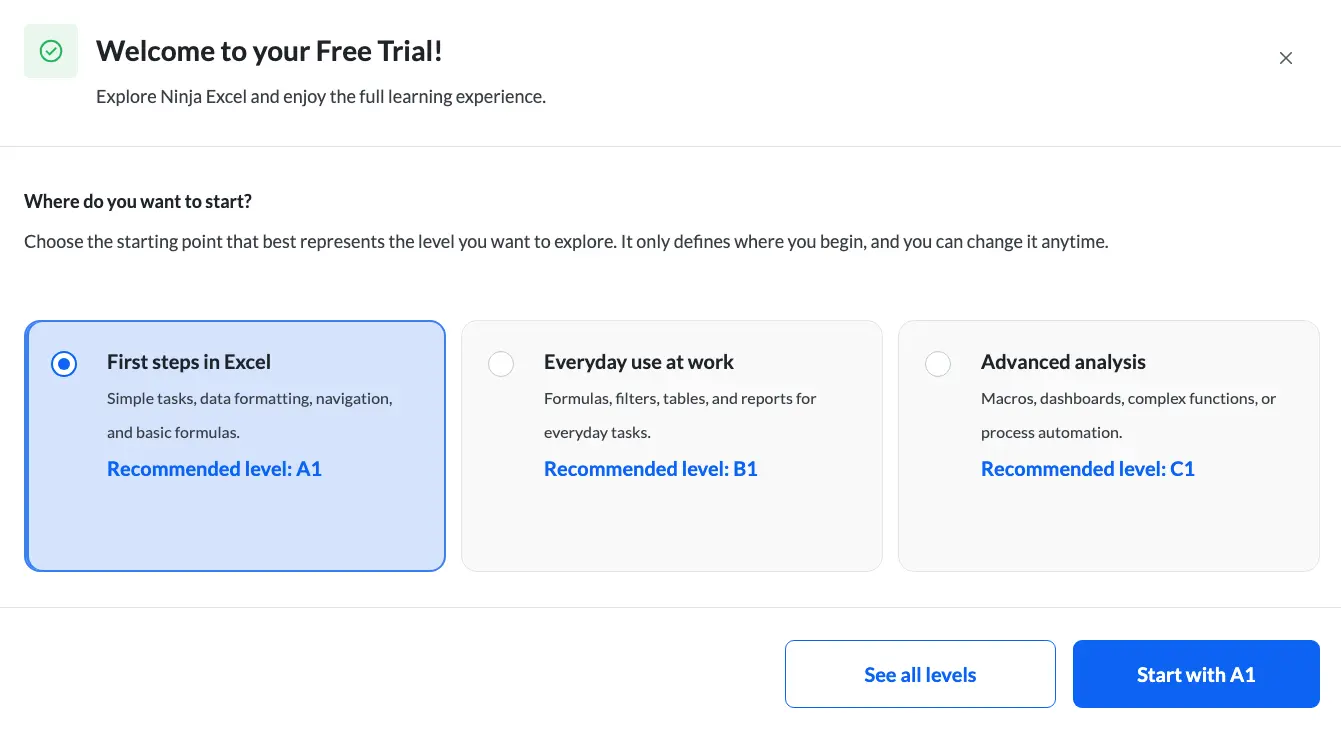
Seven levels on the Standardized Excel Certification Model (SECM), our Excel certification path. Start where it makes sense for you and switch levels anytime during your trial.
A0
Intro Level
A1
Beginner
A2
Elementary
B1
Intermediate
B2
Upper Intermediate
C1
Advanced
C2
Mastery
Ninja Excel vs. a traditional Excel course
Most Excel courses are videos and PDFs. This is what changes when you learn inside Excel.
Ninja Excel
- Where you learn: A real Excel sheet built into the platform
- How you learn: Hands-on exercises, checked as you go
- Help when you're stuck: Live chat with Microsoft Certified Trainers
- Lesson length: About 10 minutes
- Certification path: Seven levels on the Standardized Excel Certification Model (SECM), from A0 to C2
- Extra resources: Glossaries, summaries and e-books for each level
A traditional course
- Where you learn: Recorded videos or simulators
- How you learn: Theory you watch but don't practice
- Help when you're stuck: No direct help
- Lesson length: Long recorded sessions
- Certification path: A single standalone course
- Extra resources: Generic PDFs
Decide after you try: for you or for your team
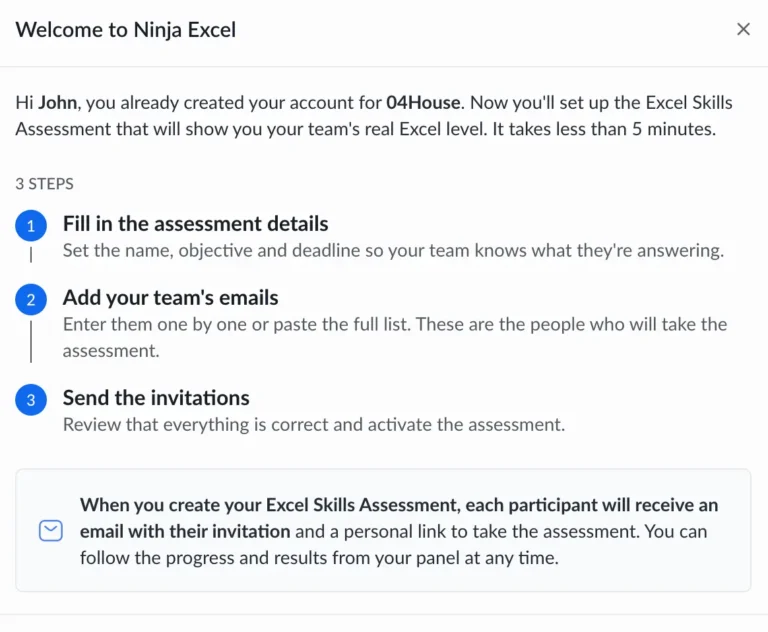
Buying for yourself? Find out if Ninja Excel works for you before you pay. Buying for a team? Take the lessons and exercises your team would. If you choose the team plan, a short form sets up your company account and your Admin Center.
For you
Ninja Excel Full for you includes all seven certifications, from A0 to C2, with 12 months of access and a diploma for each level you pass. The progress from your trial carries over.
For your team
Ninja Excel Full for your team adds the Admin Center. You assign certifications person by person, track progress and keep every diploma in one place.
Your 15 days
start today
Pick your level and start practicing in Excel. Free, no credit card required.
Frequently asked questions
about the free trial
What's included in the free trial?
During the trial you can try every level, from beginner to advanced (A0 to C2), up to each level’s first checkpoint. You take lessons and do exercises in a real Excel sheet built into the platform, and each exercise is checked as you go. When you get stuck, a Microsoft Certified Trainer is on live chat.
Do I need a credit card?
No. You sign up with your name, your email and a password.
Do I need to install Excel?
No. Everything runs in your browser, on our platform.
How long are the lessons?
About 10 minutes each, so you can fit them into a busy week.
Who answers the chat?
Microsoft Certified Trainers.
Can I switch levels during the trial?
Yes. You pick a starting point when you sign up and can change it anytime.
What happens when the trial ends?
Access to the content closes. You can choose a plan to keep going or talk to a specialist.
I'm buying for my team. Can I try it first?
Yes. Sign up yourself and take the lessons and exercises your team would. If you choose Ninja Excel Full for your team, you set up your company account and get the Admin Center.
Is the free trial a demo?
No. A demo is a meeting with our team. The free trial is yours to use on your own, at your own pace.