
Advanced
Excel Course
Designed to take your team to an expert-level mastery of the tool through the use of advanced functions and features

+2,000 companies
trust us















SECM » Excel Courses » Advanced Excel Course
Advanced Excel Course
- 4.8 hrs of video lessons.
- 63 classes
- +179 practical exercises.
- Learning by Doing
Advanced Excel Course, designed to take your team to an expert-level mastery of the tool through the use of advanced functions and features. With certifications C1 and C2, they will learn to automate processes, optimize workflows, and build more efficient solutions using Excel.
Your team will enhance their skills with advanced pivot tables, filters, validations, macros, and complex lookup functions. They will learn to create custom forms for more efficient data management and use Solver for optimization tasks — streamlining their workflows and improving decision-making.
- What your teams will learn:
-
Automation and macros:
They’ll learn to record macros, build forms with interactive controls, and use Solver to automate workflows and resolve complex problems. -
Advanced data analysis:
They’ll use functions like FILTER, CHOOSE, and OFFSET to consolidate data, perform cross-sheet lookups, and generate structured, dynamic reports. -
Custom pivot tables:
They’ll create calculated fields, consolidate ranges, and apply slicers to analyze advanced statistics directly from pivot tables. -
Smart validation and data cleaning:
They’ll filter with multiple criteria, prevent duplicates, and validate entries using dynamic ranges to ensure precision throughout their analysis.
Certifications included in the course
C1
Advanced
Refine skills for automated analysis. Your team will learn to create advanced pivot tables, apply complex filters, design custom forms, and use advanced lookup functions.
- 163 min.
- 6 units
- Advanced Pivot Table Design 1
- Advanced Lookup Functions 1
- Advanced Lookup Functions 2
- Form Controls
- Advanced Filters
- Data Validation 2
- Final Exam C1
C2
Expert
Achieve expert-level Excel proficiency. Your team will learn to record macros, use Solver for optimization, apply complex statistical functions, and develop automated solutions.
- 126 min.
- 5 units
- Text Functions 2
- Statistical Functions
- Advanced Pivot Table Design 2
- Macros
- Solver
- Final Exam C2
Excel Certifications That Validate Real Learning
Certify your team's skills with credentials that reflect a structured, applied learning process. Each completed course grants a certificate that’s part of a progressive learning path — measurable, relevant, and aligned with real workplace needs.
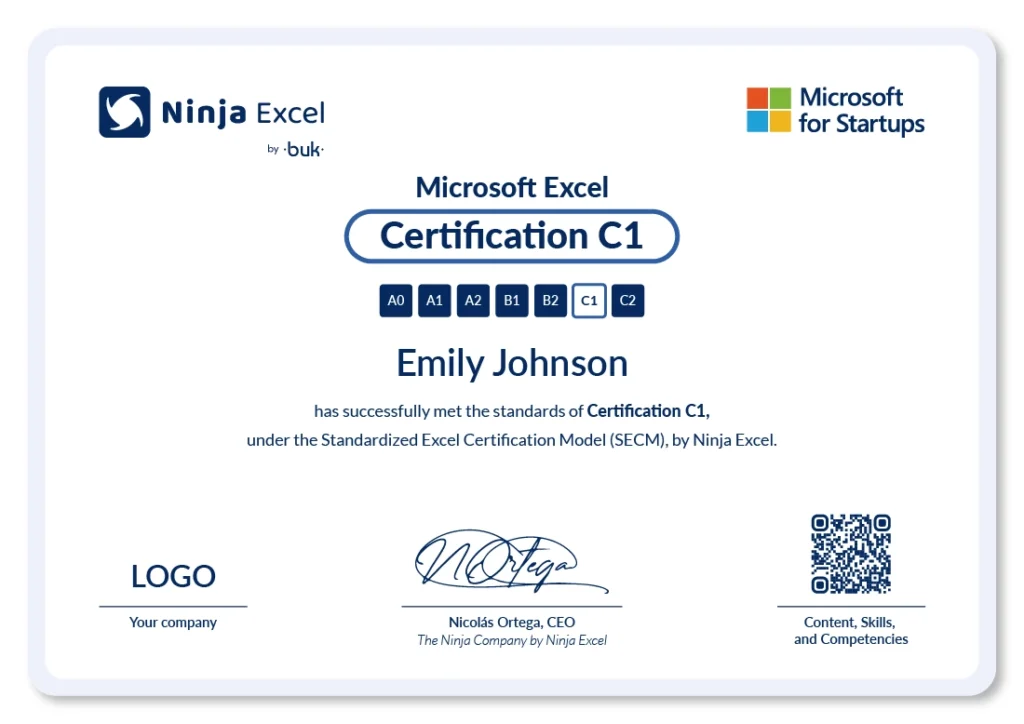
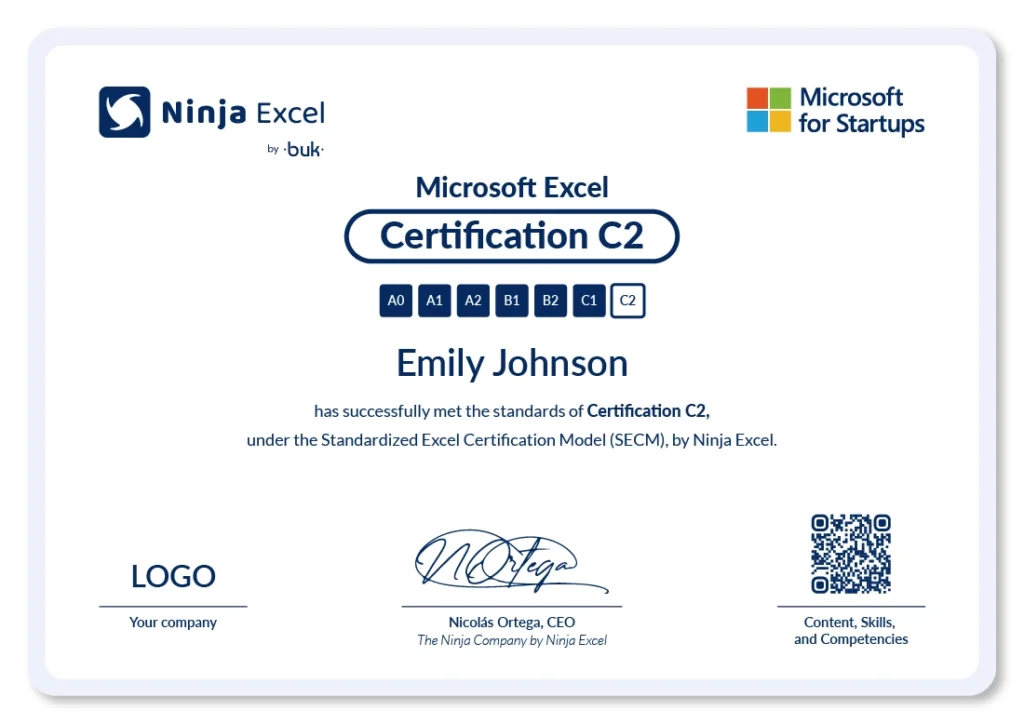
-
Certification by Level (A0 to C2)
Each completed stage is accredited with an individual certificate that proves technical progress. -
QR Code with Skill Breakdown
Each certificate includes a unique QR code that lists the skills and tools acquired. -
Shareable on LinkedIn and CVs
Certificates can be added to professional profiles or resumes to showcase proven Excel expertise
What
our clients say

Empower your teams with
high-impact training
Schedule a call with us and boost your organization’s Excel capabilities today.
Frequently Asked Questions
Take a look at some of the most common questions our clients ask.
All you need is an up-to-date web browser (Chrome, Firefox, or Edge) and an internet connection. There’s no need to install anything. If you plan to study from your work computer, your company may block access to some websites. We provide a list of the required sites so you can share it with your company’s IT administrator.
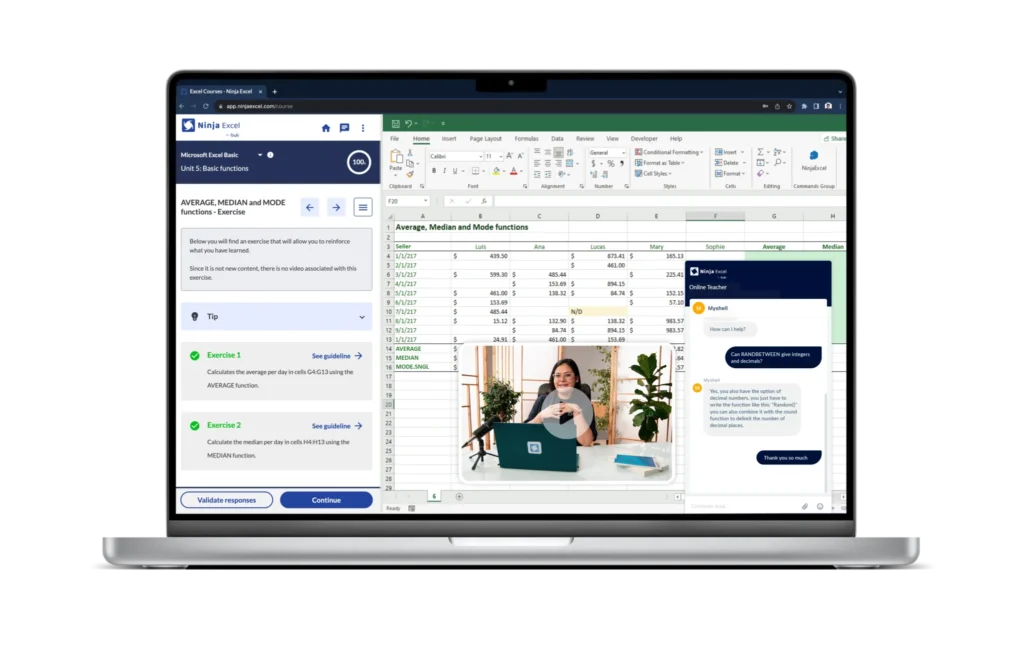
Each course includes:
Short, practical video lessons.
Interactive exercises completed directly within Microsoft Excel via streaming.
Automatic feedback on every activity.
Unit assessments and a final exam.
A professional certificate for each completed level.
All content is designed using the learning by doing methodology, so learners can apply what they’ve learned from the very first class.
The content is organized by level and specific skills, ranging from A0 to C2.
You can request the Ninja Excel Test, a practical, untimed assessment with 30 questions.
At the end, you’ll receive a report via email with the recommended course level for each team member.
The courses are organized by proficiency level:
A0 to A2: From basic navigation to conditional functions and charts.
B1 and B2: Analysis tools, data validation, and pivot tables.
C1 and C2: Automation, macros, dashboards, and advanced data analysis.
Each level grants an independent certification and includes exercises aligned with real-world job challenges.
The levels range from basic Excel use (A0: interface and navigation) to advanced tasks like macro automation and dashboard creation (C2).
Each level develops specific skills and aligns with practical competencies for daily work.
Yes. Users can access all content anytime, from anywhere.
There are no fixed schedules or mandatory live sessions.
Teams can progress at their own pace and repeat exercises as many times as needed.
No. Our platform is integrated with Microsoft Excel via streaming, so there’s no need to install Excel or leave the learning environment.
The entire course—lessons, exercises, feedback, and navigation—takes place within the real Excel environment, with no simulators or extra setup required.
All you need is an internet connection to start practicing from anywhere.
Yes. Each completed course and level grants a professional certificate that validates specific Excel skills, depending on the completed level (A0 to C2) or specialization program.
Yes. Ninja Excel is designed for training entire teams.
You can request a demo or personalized consultation to manage bulk enrollments, progress tracking, and consolidated reporting.
We use real Microsoft Excel, not simulators.
Content adapts to progressive skill levels.
Over 400 exercises based on real-world work situations.
Automatic feedback and support from Microsoft Certified Trainers.
Everything happens in one platform—no switching environments or installing software.
Yes. You can book a free demo to explore the platform, the learning methodology, and how the courses fit your organization’s needs.