
Excel Training
for Food and Beverage Industry
Standardize reports across production, quality, and logistics by practicing directly inside Excel, with guidance from certified Excel instructors.














Why Excel training matters for Food & Beverage teams
In Food & Beverage companies, Excel supports planning, delivery tracking, and operational reporting. When each department works with different formats, delays and inconsistencies quickly appear.
Structured Excel training helps teams standardize how data is structured, align metrics, and handle day-to-day operational reporting.
Key impacts of Excel training
- Integrate sales, production, and logistics data into clear, duplicate-free reports.
- Standardize inventory, turnover, and delivery performance metrics.
- Reduce manual steps required to prepare reports for audits and management reviews.
- Maintain traceability across stages, from plant operations to distribution, through consistent Excel records.
What sets Ninja Excel apart from standard Excel courses
Ninja Excel provides a practical, structured learning environment where teams build real Excel skills with direct support from certified instructors.
-
Practice directly inside Excel
Teams work in real spreadsheets, without simulations, downloads, or external tools. -
SECM-based certification paths
Skills progress in a structured way, eliminating gaps and unnecessary repetition. -
Live instructor support
Teams receive guidance from certified Excel instructors (Microsoft Office Specialists) throughout the training process. -
Progress reports for managers
Clear visibility into each participant’s progress and certification results, delivered to training administrators.
How Excel training impacts key roles in Food & Beverage companies
In Food & Beverage organizations, operational complexity spans production floors, supply chains, quality controls, and regulatory requirements. When each function works with different Excel formats and criteria, errors multiply and reporting slows down. Structured Excel training helps align teams, standardize data, and produce information using consistent formats for daily operations and audits.

Production & Operations
- Consolidate raw material usage, yields, and waste data without duplicate records.
- Standardize shift-level reports to compare planned versus actual consumption accurately.

Supply Chain & Logistics
- Track dispatch times, on-time delivery, and service levels using structured Excel reports.
- Consolidate distribution data across locations to improve traceability and performance visibility.
Quality & Food Safety (QA)
- Validate production and distribution records using data rules and controlled formats.
- Document quality and food safety indicators in consistent reports, ready for internal reviews.

Compliance & Audits
- Prepare standardized Excel reports to support internal and external audits.
- Maintain clear, traceable documentation for regulatory reviews and compliance requirements.

Sales & Forecasting
- Analyze demand by channel and customer using statistical and forecasting functions.
- Reconcile orders, shipments, and forecasts in a single, consistent reporting structure.

Finance & Cost Control
- Track production costs, variances, and inefficiencies with structured Excel models.
- Improve visibility into margins, waste, and operational cost drivers.

HR / Learning & Development (L&D)
- Assess Excel skill levels across teams using the Ninja Excel Test.
- Monitor training progress and certification results with clear reports for leadership.
Define the right Excel training
for your Food & Beverage teams
Share a few details about your organization and discuss your Excel training needs with a Ninja Excel specialist.

How teams fix real Excel bottlenecks in Food & Beverage operations
Teams often lose time reconciling spreadsheets built with different formats, criteria, and assumptions. Reviews slow down because numbers don’t match, reports require manual cleanup, and preparing information for audits becomes a recurring headache. The following examples show how Food & Beverage teams standardize Excel work and reduce manual steps in reporting.
Use case 1
Production teams
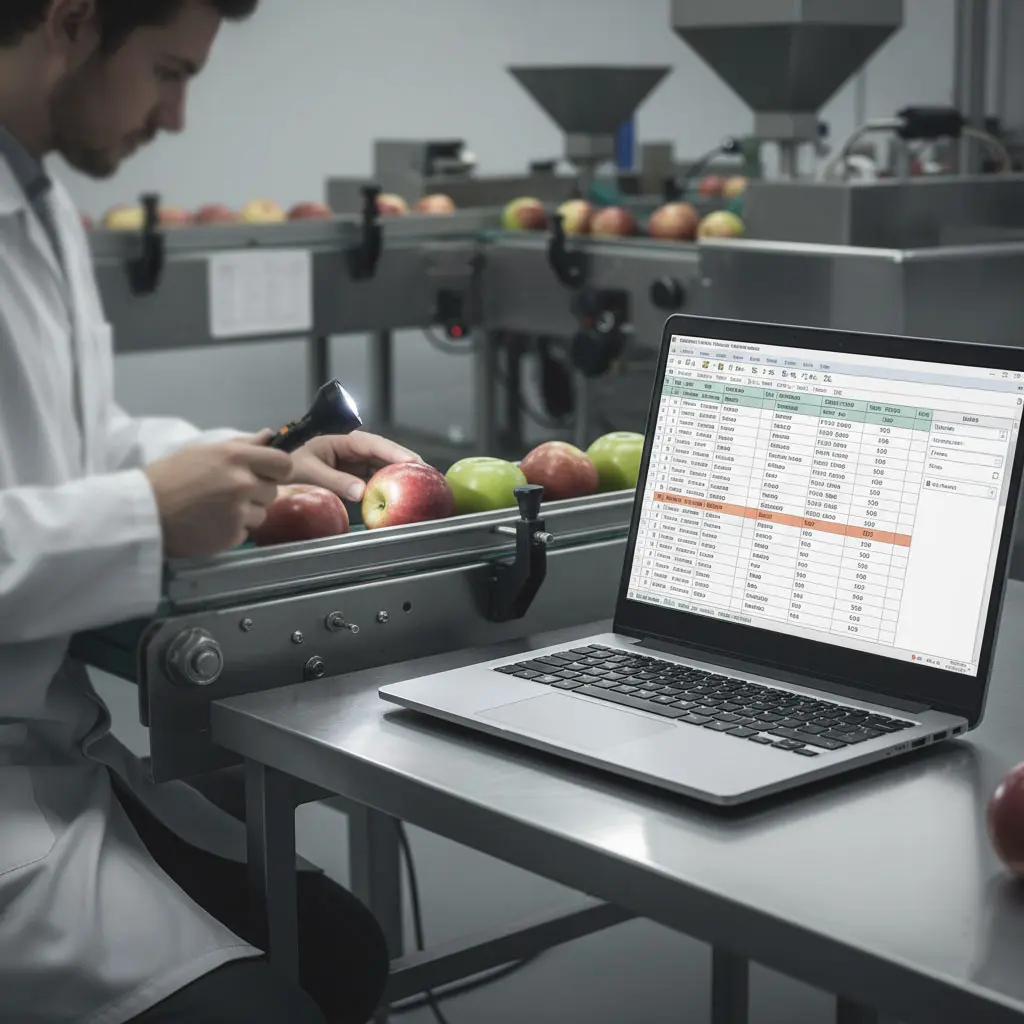
Before: Daily consumption is logged by shift using different formats. Adjusting costs, yields, and waste requires manual checks and frequent rework.
After: Production teams use standardized Excel templates to calculate variances and compare planned versus actual consumption with consistent criteria. Cost and waste reviews follow a shared structure with consistent criteria..
Use case 2
Quality & Food Safety (QA) teams
Before: Food safety and quality records are spread across departments and spreadsheets, making internal reviews and audit preparation time-consuming.
After: QA teams work with standardized Excel formats and data validation rules, generating reports using standardized formats for internal reviews and external audits.

Use case 3
Distribution & logistics teams
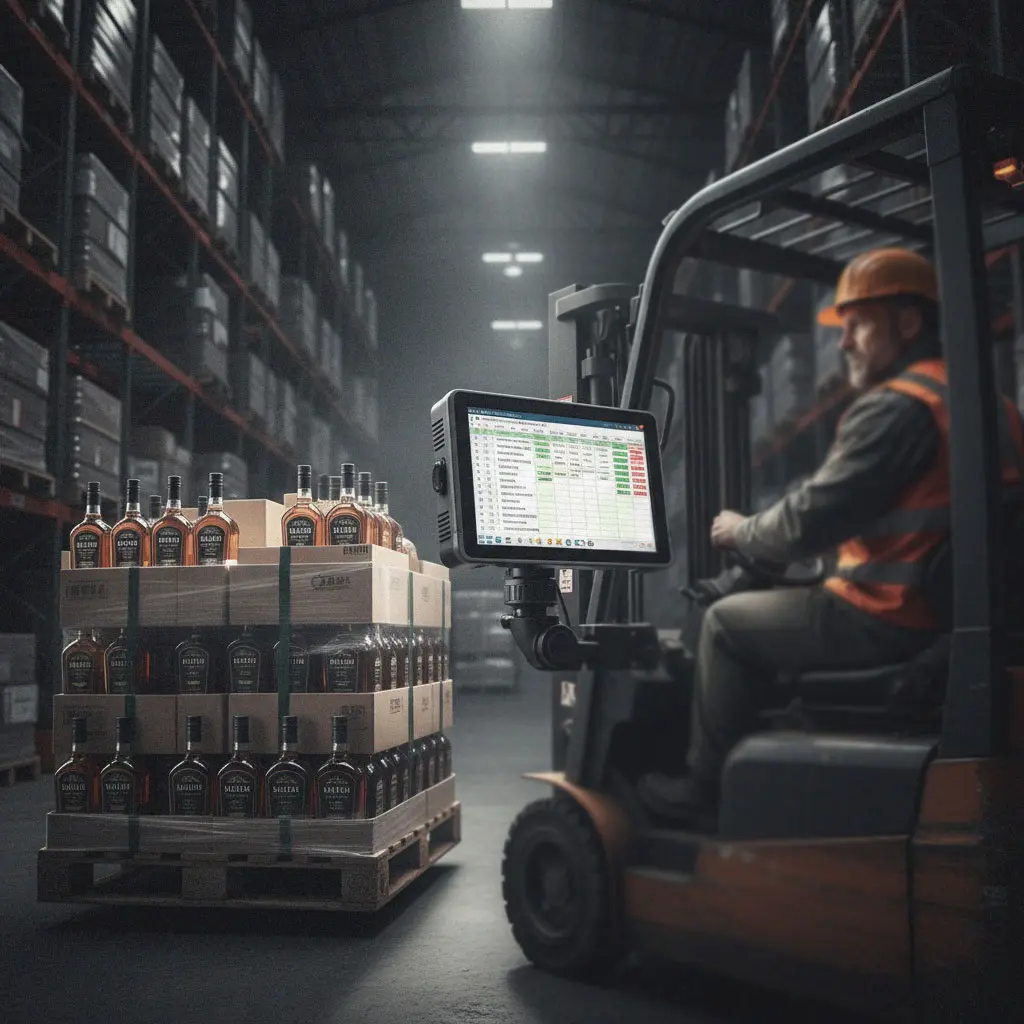
Before: Delivery times and service levels are tracked in different spreadsheets, making it difficult to measure performance consistently across routes or customers.
After: Teams consolidate delivery data into structured Excel reports, providing a consistent view of on-time performance and service levels.
Use case 4
Receiving & inventory teams
Before: Incoming materials are tracked separately by area, leading to duplicate lot records and mismatched quantities.
After: Inventory teams use lookup functions to integrate records into a single report, centralizing stock records and reducing reconciliation steps.
Use case 5
Packaging & labeling teams
Before: Units processed and batch information are reported inconsistently, delaying daily closeouts and increasing manual checks.
After: Teams consolidate data using Pivot Tables, validating dates and batches to close daily reports using validated dates and batch information.
How Ninja Excel compares to common Excel training options in Food & Beverage teams
| Aspect | Ninja Excel | Standard Excel Training |
|---|---|---|
| Starting point | Each employee completes an individual skills assessment and is assigned a recommended certification path based on real Excel proficiency. | All participants receive the same program, regardless of their current Excel skill level. |
| Content | Structured certification paths focused on real Excel skills used across operations, quality, supply chain, and reporting roles. | Fixed syllabus with generic examples that are not always aligned with operational, quality, or reporting needs. |
| How teams learn | Teams practice directly inside Excel through short, focused lessons designed to apply immediately to daily work. | Learning is tied to scheduled sessions, with limited hands-on practice during or after class. |
| Support | Teams receive guidance from certified Excel instructors throughout the training process as they work through exercises. | Questions are typically limited to class time or follow-up via email, with delayed responses. |
| Visibility and tracking | Managers receive ongoing progress reports showing course status, learning progress, and certification results for each participant. | Managers usually receive attendance records or a final completion notice. |
| Flexibility | Short lessons allow employees to train at their own pace, adapting learning to shifts, deadlines, and operational priorities. | Training depends on fixed schedules that can conflict with operational workloads. |
| Resources and learning environment | All learning happens in one place: Excel practice, lessons, resources, instructor support, and progress tracking are fully integrated. | Videos, files, and materials are spread across different platforms and tools. |
Clear reports.
Consistent criteria.
Standardizing Excel skills across Food & Beverage teams reduces reporting friction, improves data reliability, and supports faster, more confident decisions across operations.
Frequently Asked Questions
about Excel training for Food & Beverage teams
Before assigning a certification, each participant completes the Ninja Excel Test. This practical assessment measures real Excel proficiency and assigns the appropriate level within the MECE certification path, ensuring training is not generic and starts at the right point.
Progress reports are sent twice per week to the training administrator. They include participant name and email, assigned certification, completion percentage, and final exam results, allowing clear oversight without additional dashboards.
All certifications follow the same MECE structure, with standardized units, chapters, controls, and a final exam. This design ensures consistent indicators and makes progress comparable across production, quality, logistics, and other teams.
Participants receive live instructor support directly within the platform. Certified Excel instructors (Microsoft Office Specialists) answer questions about Excel and the training environment, without relying on fixed class schedules.
Most teams start with Intermediate Excel certifications, which cover inventory consolidation, quality records, and distribution reporting. Based on initial skill levels, participants may advance to Advanced Excel or focused certifications such as Pivot Tables to standardize performance metrics.
Impact is tracked through certification completion rates, final exam results, and ongoing progress reports. These indicators help training managers review completion, exam results, and progress consistency across teams.
Yes. By working with standardized Excel templates, teams consolidate production, quality, and distribution data into consistent formats. This simplifies internal and external audit preparation while reducing manual errors.
While Ninja Excel does not replace regulatory training, it equips teams to organize and validate operational data in a standardized way. This makes it easier to produce reliable reports used in inspections, audits, and certification processes.