


Microlearning
for practical Excel training
Short lessons with clear objectives and measurable progress. Each class focuses on one Excel skill, with automatic validation and live support from Microsoft Office Specialists.
How does microlearning work in practice?
At Ninja Excel, microlearning is built around short, focused lessons that learners can apply immediately in real Excel.
Here’s how it works within the platform:
-
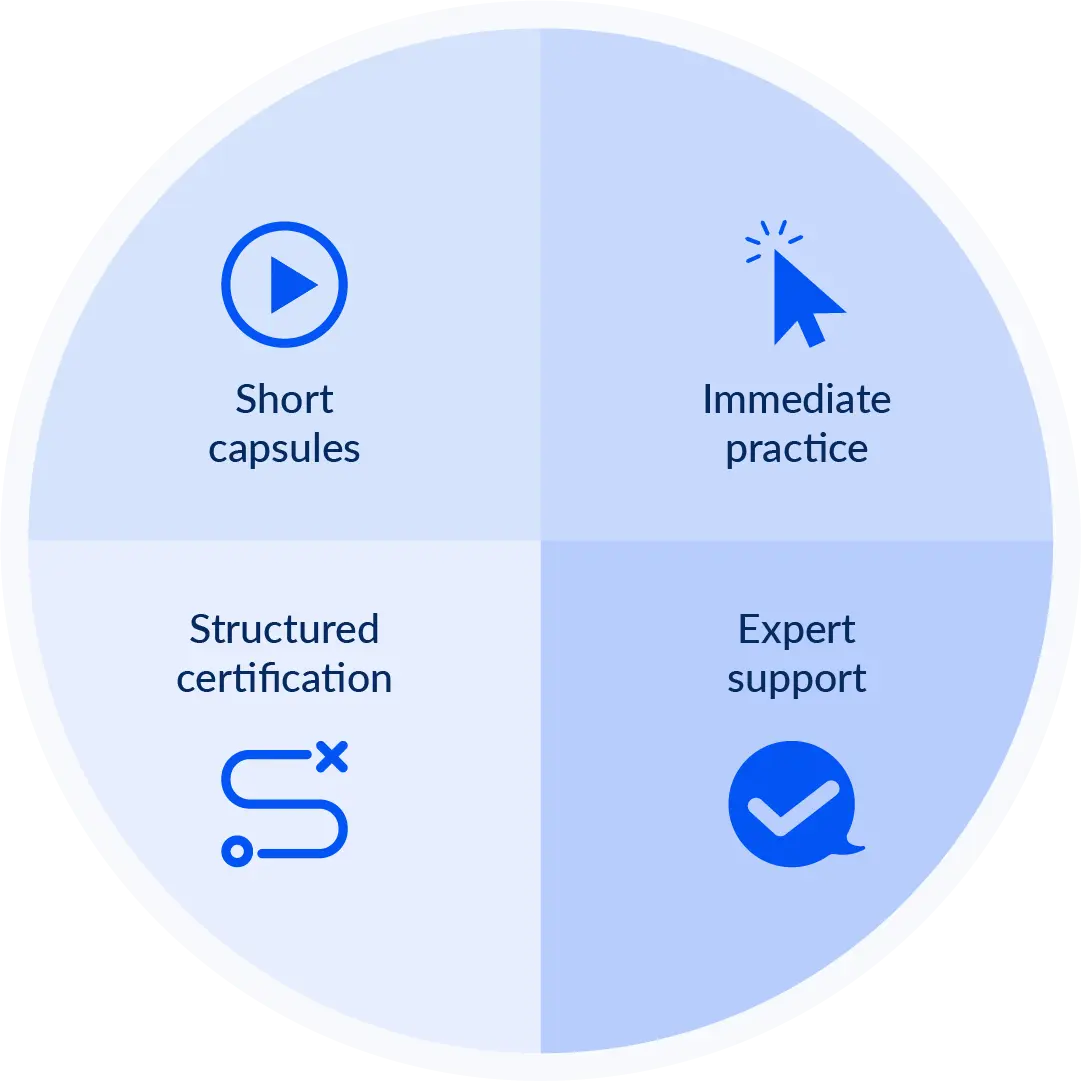
1Short capsules:
Every lesson covers one formula, function, or concrete Excel procedure.
-
2Immediate practice:
Learners apply the concept right away in live Excel and receive automatic feedback.
-
3Structured certification:
Each learning route combines Units, Chapters (lessons), and Checks, ending with a final exam that verifies mastery.
-
4Expert support:
The Online Teacher, staffed by Microsoft Office Specialists, supports learners with technical and methodological questions.
Microlearning designed for steady progress
A Ninja Excel lesson is built to teach one practical skill in just a few minutes, apply it immediately in real Excel, and validate the result without breaking the learner’s pace.
-
Average time per class
3 minutes of explanation, 2 minutes applying the concept, 2 minutes fixing errors — about 7 minutes for a complete class.
-
Bite-sized learning
Content is divided into small, understandable pieces, preventing long sessions that mix multiple concepts.
-
One objective per capsule
Classes focus on one practical Excel skill to support immediate application.
-
Immediate validation
Exercises are checked instantly in real Excel, reinforcing learning at the exact moment it happens.
-
Unit assessments for increased retention
At the end of each unit, learners apply all concepts in a practical scenario, improving retention and real-world transfer.
-
Higher completion through continuous progress
Short, focused lessons create constant wins and keep motivation high, helping more learners complete their certifications.
What the research shows about Microlearning
Research in corporate training shows that microlearning achieves significantly higher completion rates than traditional long-form e-learning.
- Up to 4× higher completion rates compared to long-form, linear e-learning courses. Source: Brandon Hall Group.
- 74% average completion rate in Ninja Excel courses delivered with this methodology (Internal Data 2024).
Microlearning increases adherence and helps more learners complete their training programs.
Boost your team’s training results
Ninja Excel’s microlearning helps people complete their training with short classes that fit into the workday. If you want a program your team will actually complete, see how the platform works.
Microlearning at Ninja Excel vs. traditional training
A training program shouldn’t be measured by hours, but by results. Here’s how Ninja Excel’s microlearning compares to traditional long-form training:
| Comparison Item | Traditional Training | Microlearning at Ninja Excel |
|---|---|---|
| Guidance | Learners are left alone with the content. | ✅ Live expert support integrated into every course. |
| Doubt resolution | Unanswered questions that block progress. | ✅ Quick responses, and each case is resolved within an hour. |
| Completion rate | Frequent drop-off due to frustration. | ✅ Certifications completed with greater consistency. |
| HR workload | HR must answer questions one by one. | ✅ Individual questions are handled through the chat without HR involvement. |
| Team productivity | Delays and unproductive time during training. | ✅ Teams keep moving without interrupting their work. |
Traditional Training: Learners are left alone with the content.
✅ Ninja Excel: Live expert support integrated into every course
Traditional Training: Unanswered questions that block progress.
✅ Ninja Excel: Quick responses, and each case is resolved within an hour.
Traditional Training: Frequent drop-off due to frustration.
✅ Ninja Excel: Certifications completed with greater consistency.
Traditional Training: HR must answer questions one by one.
✅ Ninja Excel: Individual questions are handled through the chat without HR involvement.
Traditional Training: Delays and unproductive time during training.
✅ Ninja Excel: Teams keep moving without interrupting their work.
Explore the Ninja Excel Platform
See live Excel integration, user experience, and support.
Learn with Learning-by-Doing
Understand the applied methodology and the hands-on learning flow.
Testimonios de
empresas que capacitan con Ninja Excel
"Luego de Ninja Excel la mejora es evidente en nuestros equipos: La capacitación fue útil y la calidad en los reportes fue un antes y un después."
Javier Isla
"Luego de Ninja Excel la mejora es evidente en nuestros equipos: La capacitación fue útil y la calidad en los reportes fue un antes y un después."
Javier Isla
"Luego de Ninja Excel la mejora es evidente en nuestros equipos: La capacitación fue útil y la calidad en los reportes fue un antes y un después."
Javier Isla
"Luego de Ninja Excel la mejora es evidente en nuestros equipos: La capacitación fue útil y la calidad en los reportes fue un antes y un después."
Javier Isla
F.A.Q.
How are certifications structured with microlearning?
A certification follows a simple path: Units → Chapters (classes) → Checks.
At the end, learners take a final exam to confirm mastery of the level.
For example, a B1 certification may include six units, each with its own classes and checks, followed by the final exam that grants the official certificate.
How long is each class?
Most classes take 3 to 7 minutes to complete.
The class focuses on a single Excel skill, such as VLOOKUP, PivotTables, or Conditional Formatting, and ends with a quick validation check in the platform.
How is team progress measured?
We send regular progress reports to the training lead. These reports include:
- Training start and end dates
- Participant name, last name, and email
- Assigned certification
- Percentage of progress within the certification
- Final exam score
Who answers questions during the training?
Questions are answered directly through the Online Teacher, staffed by Microsoft Office Specialists.
For example, if someone struggles with a formula like SUMIFS, they can ask inside the platform and get help from a certified expert.
What additional resources support microlearning in the platform?
Chapters include downloadable glossaries and summaries to reinforce the lesson.
When the certification is complete, learners receive a certificate with a verification QR code. The company logo can be added if needed.
Which teams benefit most from microlearning?
Microlearning is especially helpful for roles that work with data, particularly in:
- Finance and Accounting: speeding up reports and reducing errors
- Operations and Logistics: supporting inventory work, forecasting, and daily workflows
- Data and Analytics: enabling advanced formulas, data handling, and PivotTable analysis
Turn training into measurable results with Microlearning
Ninja Excel’s microlearning helps your teams complete their classes, validate what they learn, and apply those skills directly in their daily work.