








Take full control and manage your team’s training without intermediaries.
Excel Training
for manufacturing industry
Standardize production, cost, and operational reporting by practicing real work scenarios in a live Excel environment, with support from certified Excel instructors.
Why Excel training matters in Manufacturing
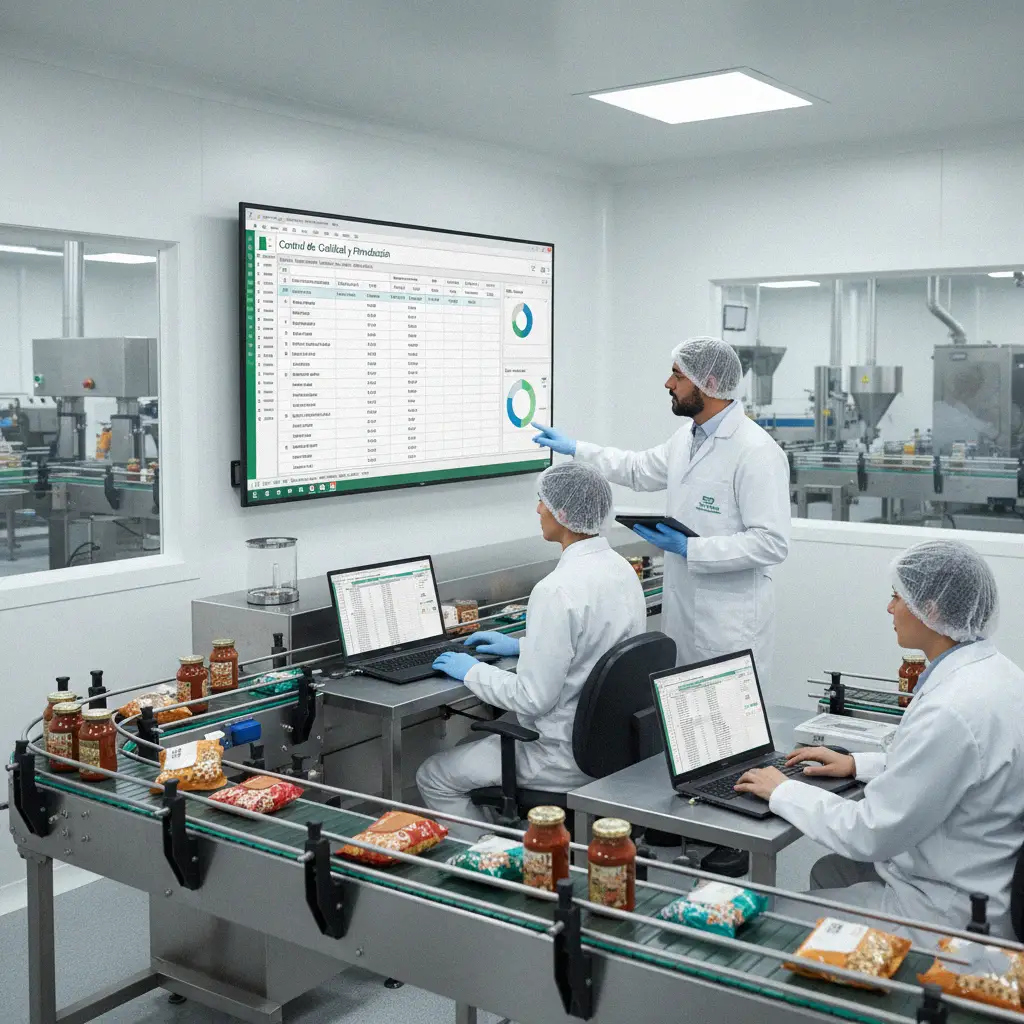
In manufacturing environments, teams rely on Excel every day to track production output, costs, and operational performance. When reports are built with different formats, assumptions, or criteria across plants and shifts, teams spend additional time reconciling numbers, operational closes require extra validation, and reports require repeated review.
Structured Excel training helps manufacturing teams standardize how data is captured, reported, and reviewed, improving operational visibility and decision-making speed.
-
Consolidate production and cost reports
without duplicate data or manual rework.
-
Standardize efficiency, scrap, and cost variance indicators
across lines, shifts, and plants.
-
Reduce manual steps required
during daily and weekly operational closes and management reporting.
-
Use consistent production and cost data structures
for operational reporting.
What sets Ninja Excel apart from standard Excel training
Ninja Excel delivers hands-on Excel training for manufacturing teams that work with production, cost, and operational reports on a daily basis.
-
Practice directly inside Excel
Teams train in a live Excel environment using real production and cost reporting scenarios.
-
SECM-based skill paths that eliminate gaps
Structured certification paths ensure teams build Excel proficiency without overlaps or missing fundamentals.
-
Human, instructor-led support
Microsoft Certified Trainers provide real-time guidance when teams get stuck.
-
Clear progress and skill visibility for managers
Leaders track participation, progress, and certification results across plants and roles.
How Excel training impacts manufacturing roles
Across manufacturing organizations, different roles rely on Excel to manage operational, quality, cost, and workforce data. Excel training supports how teams prepare reports used for audits, planning, and cost control across plants and operations.
Plant Management
Review Excel reports combining production output, quality indicators, and operating costs at plant level.
Compare performance across lines, shifts, or facilities using common productivity and cost indicators.

Operations and Production
- Consolidate production volumes by shift, material consumption, and machine time in shared Excel workbooks.
- Use daily production files to support shift handovers and short-term resource planning on the shop floor.

Quality and Compliance
- Record inspection results, scrap, nonconformities, and corrective actions in Excel logs.
- Prepare documentation required for internal audits, regulatory reviews, and ISO or industry certifications.

Maintenance and Reliability
- Track preventive maintenance schedules, breakdowns, spare parts usage, downtime, and associated costs in Excel.
- Use maintenance records to review failure patterns and plan reliability improvements.

Supply Chain and Materials
Manage inventory by consolidating inbound and outbound movements of raw materials, components, and finished goods.
Use Excel files to monitor stock levels, material availability, and logistics costs across plants.

HR and Workforce Management
Centralize attendance records, labor hours, and shift schedules in Excel.
Share workforce data with operations and finance to validate labor costs and respond to labor or safety inspections.

Cost Accounting and Manufacturing Finance
Reconcile production volumes, labor hours, and material costs in Excel control files.
Support weekly and monthly closes by analyzing variances between planned and actual manufacturing costs.

How targeted Excel training can reshape operational workflows
Implementing a standardized Excel training program allows teams to move from fragmented spreadsheets to shared reporting structures. These scenarios illustrate how specific Excel functions address industrial pain points.
Use Case 1
Chemical and Pharmaceutical Manufacturing
- Before: Batch records and quality logs rely on manual entry across disconnected workbooks. Manual unit conversions and unvalidated entry cells lead to calculation errors that risk FDA compliance and delay lot releases.
- After: Training enables teams to implement Data Validation rules and Conditional Formatting for out-of-spec results. Using Protect Sheet and standardized lookup functions (XLOOKUP) secures the calculation logic, supporting audit preparation through validated entries and protected calculation logic.
Use Case 2
Automotive and Transportation Equipment
Before: Production engineers manually consolidate defect data from various assembly lines using “copy-paste” methods. This process delays the identification of recurring quality issues, making it difficult to calculate real-time Overall Equipment Effectiveness (OEE).
After: Standardizing the use of Power Query and Pivot Tables allows teams to automate the consolidation of defect logs. This allows teams to identify production variances using consolidated defect logs and Pivot Tables.
Use Case 3
Energy and Mineral Extraction
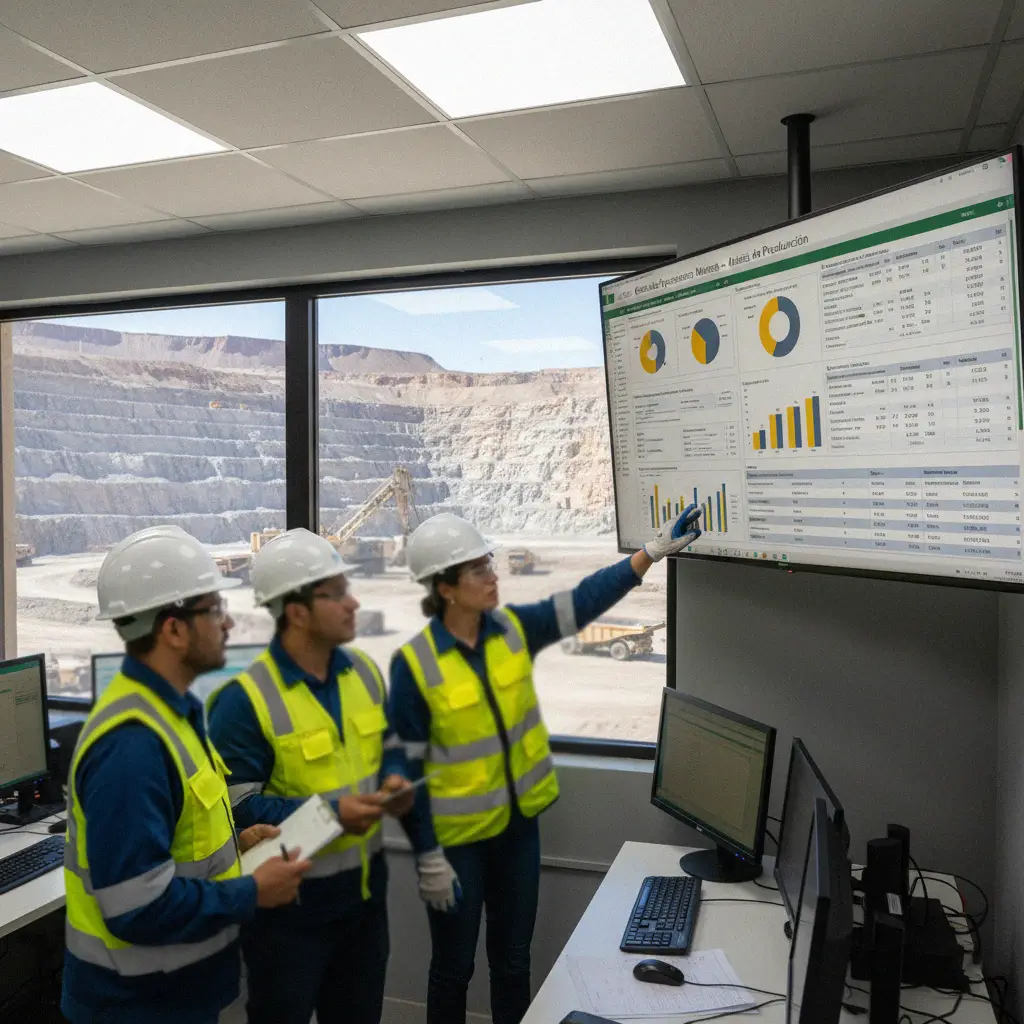
Before: Fuel consumption and machinery downtime are logged in isolated shift files. Manually reconciling thousands of rows hides asset utilization gaps, as supervisors spend more time fixing data errors than analyzing operational expenditures (OPEX).
After: A structured training approach allows teams to sync multiple shift files into a centralized control workbook using Data Connections. This consolidates cost tracking and progress data into a centralized control workbook.
Get a customized
Excel training plan
for your organization
Share your context and we will map a training roadmap aligned to your reporting needs, roles, and current skill levels.
Why generic LMS platforms fail manufacturing teams
Most corporate training solutions rely on passive video consumption, which limits hands-on practice required for consistent professional reporting. Ninja Excel combines instructional videos with a live Excel environment for active technical execution.
| Feature | Generic LMS / Traditional Courses | Ninja Excel |
|---|---|---|
| Learning Environment | Video-based simulations or browser-only tools that don't match the user's daily Excel setup. | Integrated Live Excel: A unified learning space where users watch instructional videos and practice in a live Excel spreadsheet simultaneously. |
| Validation Process | Multiple-choice quizzes at the end of a module with no practical execution. | Real-Time Feedback: Users validate their work to see if the exercise is Correct, Partially Incorrect, or Incorrect. They can access "View Answer" to understand the procedure. |
| Technical Support | Automated bots or FAQ pages with no direct human assistance. | Online Teacher: Direct access to Microsoft Certified Trainers to resolve questions about Excel and the platform via live chat. |
| Content Strategy | Generic examples focused on academic or non-professional scenarios. | Corporate-Ready Content: Designed for adult learners, featuring practical exercises that reflect standard workplace scenarios. |
| Operational Flow | Long video modules that are difficult to fit into a high-intensity workday. | Short Practical Lessons: 3 to 7-minute lessons designed to allow progress throughout the day without stopping production. |
| Certification | Awarded based on video completion time or passive consumption. | Performance-Based Certification: Verifiable certificates earned only by successfully completing exercises directly inside Excel. |
Ninja Excel: Integrated Live Excel: A unified learning space where users watch instructional videos and practice in a live Excel spreadsheet simultaneously.
Generic LMS / Traditional Courses: Video-based simulations or browser-only tools that don't match the user's daily Excel setup.
Ninja Excel: Real-Time Feedback: Users validate their work to see if the exercise is Correct, Partially Incorrect, or Incorrect. They can access "View Answer" to understand the procedure.
Generic LMS / Traditional Courses: Multiple-choice quizzes at the end of a module with no practical execution.
Ninja Excel: Online Teacher: Direct access to Microsoft Certified Trainers to resolve questions about Excel and the platform via live chat.
Generic LMS / Traditional Courses: Automated bots or FAQ pages with no direct human assistance.
Ninja Excel: Corporate-Ready Content: Designed for adult learners, featuring practical exercises that reflect standard workplace scenarios.
Generic LMS / Traditional Courses: Generic examples focused on academic or non-professional scenarios.
Ninja Excel: Short Practical Lessons: 3 to 7-minute lessons designed to allow progress throughout the day without stopping production.
Generic LMS / Traditional Courses: Long video modules that are difficult to fit into a high-intensity workday.
Ninja Excel: Performance-Based Certification: Verifiable certificates earned only by successfully completing exercises directly inside Excel.
Generic LMS / Traditional Courses: Awarded based on video completion time or passive consumption.
Frequently asked questions
about Excel training
What makes Ninja Excel different from standard courses or an LMS?
Ninja Excel integrates Microsoft Excel directly into its interface. Unlike an LMS that only shows videos, our platform focuses on learning by doing: users solve real challenges using the same spreadsheets they use at work.
Do users practice in real Excel or a simulation?
Users practice in the actual Microsoft Excel program embedded in the platform. We don’t use browser simulations; teams work in a live spreadsheet to ensure their new skills are 100% transferable to their daily operational tasks.
How long does it take to complete a level, and how are they assigned?
Timing is flexible through 3 to 5-minute instructional videos that employees watch between tasks without stopping production. Levels are assigned via the Ninja Excel Test, which detects the user’s current proficiency and places them at the correct starting point of their certification path.
How do managers track progress and results?
Through periodic progress reports. Administrators receive a list showing names, assigned paths, completion percentages, and final exam scores to measure the team’s actual skill development.
What support is included when users have questions?
Direct access to the Online Teacher via live chat. These are not bots; they are Microsoft Certified Trainers who resolve technical questions about Excel or the platform while the user works on their exercises.
Can we assign different paths by department or role?
Yes. The platform manages multiple certification paths simultaneously. This allows a maintenance technician and a financial analyst to learn only the specific Excel functions required for their respective roles.
What are the technical requirements and IT constraints?
You only need an updated web browser and a stable internet connection. The platform requires no software installations or external file downloads, making it easy to clear with IT departments that have strict security restrictions.
How does certification work and can it be verified?
Certification is earned by passing a final exam inside the Excel environment. Each certificate includes a QR code for instant verification and is backed by our certified instructors, serving as proof of competency for internal or external audits.
How are certifications adapted to different roles, from operators to analysts?
Every employee begins with the Ninja Excel Test, a diagnostic assessment that identifies their current skill level and suggests the most appropriate starting point. Based on the results, they follow a MECE certification path that progresses through 7 levels:
- A0 – Intro
- A1 – Beginner
- A2 – Elementary
- B1 – Intermediate
- B2 – Upper Intermediate
- C1 – Advanced
- C2 – Mastery
This ensures workers only spend time on the skills required for their professional role, avoiding repetitive or irrelevant content.
Does the training include real-world application?
Yes. Every lesson is completed inside a Live Excel environment. Instead of watching a simulation, users perform tasks in an actual spreadsheet with automated feedback, ensuring the skills are directly transferable to their daily workbooks.
Master cost and
production in Excel
Capacita a tus equipos en producción, calidad, logística y finanzas con reportes estandarizados y decisiones basadas en datos confiables.