Take full control and manage your team’s training without intermediaries.

The Excel training platform to build
real Excel skills
Standardize team proficiency with a browser-based platform that integrates real Microsoft Excel. No simulations. No PDFs. Just practical exercises and real-time support from certified experts.
Trusted by organizations that run on Excel











What makes the Ninja Excel Platform different ?
Real Excel, right in your browser:
Learners practice in the actual Microsoft Excel environment, with no installations or emulators.
Hands-on learning with instant validation:
Every exercise includes automated feedback and step-by-step guidance.
Live support from Microsoft Certified Specialist:
Expert help available during every session.
Structured certification path:
Skills are structured using the Standardized Excel Certification Model (SECM), from A0 to C2 to ensure measurable progress.
100% online access, anytime and anywhere:
Uninterrupted training for distributed teams.
How do Learners train on the Platform ?
Each course is built for hands-on learning. From the very first minute, participants work directly in live Excel, completing tasks that replicate real challenges from their daily roles.
Short and Dynamic Lessons
Bite-sized lessons between 2 to 5 minutes, built with a microlearning approach focused on operational use cases.
Each one explains real use cases clearly and concisely.
Live Online Teacher
During every class, learners can activate the Online Teacher to connect with a Microsoft Office Specialist Trainer during business hours.
They receive expert guidance on the spot, helping them progress confidently and without frustration.
On-demand Learning Resources
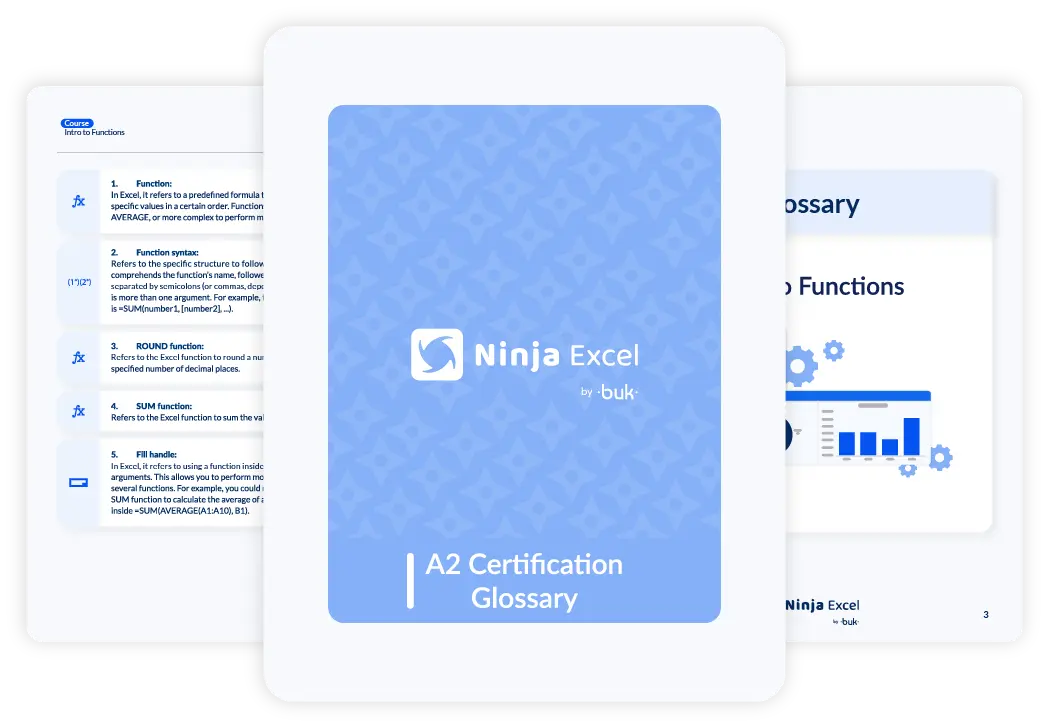
Every certification includes downloadable guides, glossaries, and video recaps for every unit. These resources are available 24/7 to support skill retention beyond the training sessions.
What does the Ninja Excel Platform include?
Each team accesses a structured, measurable, and goal-oriented learning path. From foundational skills to advanced certifications, everything is integrated into one cohesive environment.
SECM Certification route in Excel
(Standardized Excel Certification Model)
A0 — Intro level: navigation, interface basics, and introductory formulas.
A1 — Beginner and A2 — Elementary: essential functions, data organization, simple reporting.
B1 — Intermediate and B2 — Upper Intermediate: functional analysis, multi-sheet workflows, basic automation and reporting.
C1 — Advanced and C2 — Mastery: dashboards, data visualization, consolidation, and macros oriented to process optimization.
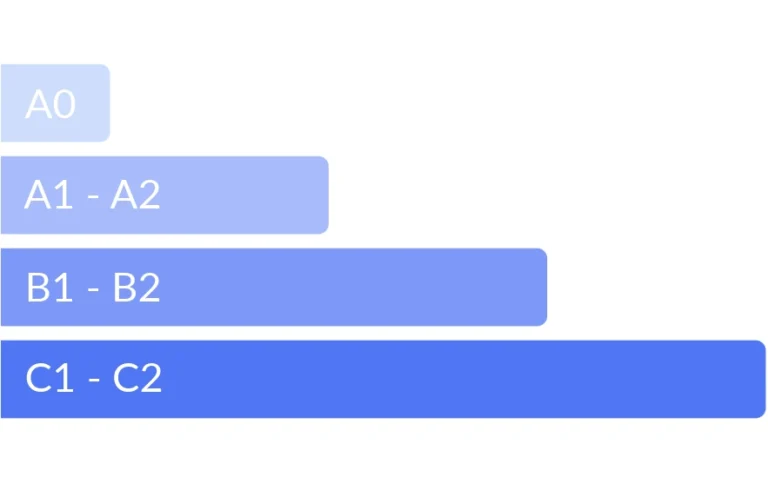
Each level includes hands-on lessons, assessed exercises with automatic feedback, and a final exam that leads to internal certifications designed around real-world application.
How is learner progress tracked and displayed?
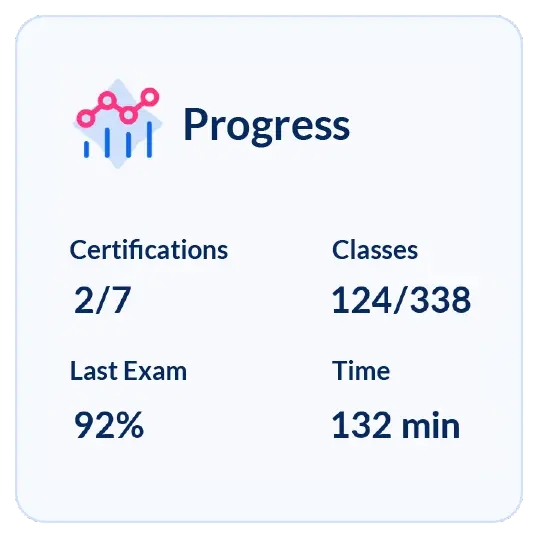
Each participant has an individual progress dashboard that provides full visibility of their learning journey. From this panel, they can view their advancement by class, unit, and certification within the SECM certification route.
Key elements displayed in the Progress Panel
-
Completed classes: total lessons finished by each learner.
-
Time spent on the platform: measures engagement and training consistency.
-
Certifications achieved: tracks each level completed within the SECM certification route.
-
Exam results: displays assessment outcomes and progress toward certification goals.
Admin Center:
Complete management of your Excel training
Eliminate the operational burden of training and reclaim strategic control. Now, you can manage enrollments, budgets, and technical tracking for your team with 100% autonomy and in real-time.
-
Total Autonomy:
Activate courses and assign licenses from your own catalog, with no wait times or intermediaries.
-
Financial Agility:
Manage credits with instant top-ups and scale your training plan according to your needs.
-
Precise Tracking:
Monitor challenge completion and the real progress of every employee with accurate data.
-
Visible Results:
Export technical proficiency reports ready to justify the impact of your investment.

How are the certifications organized ?
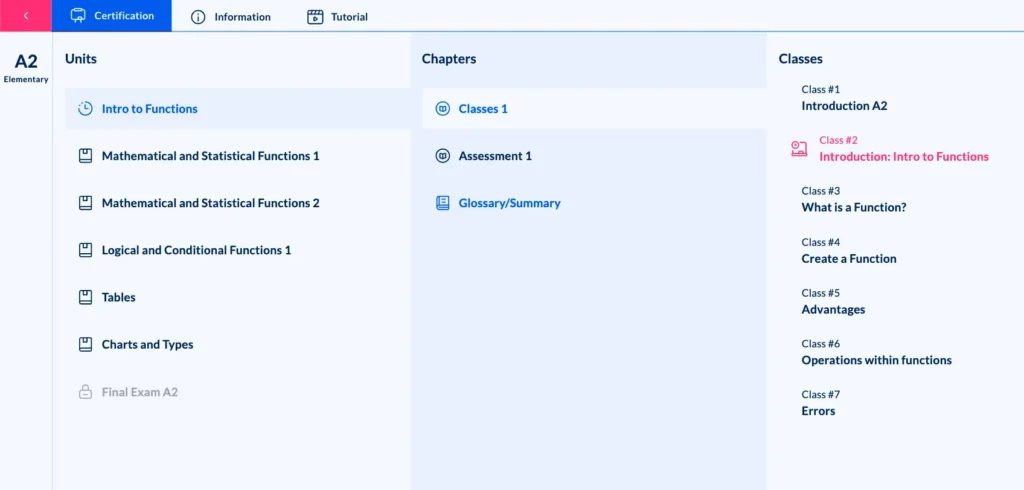
- Each certification is divided into thematic units that follow a progressive learning structure.
- Every unit includes short, focused lessons designed for practical application. At the end of each unit, learners complete a knowledge checkpoint to assess understanding.
- Once all checkpoints are passed, the final certification exam becomes available, validating the participant’s full mastery of that level.
How the Live Excel Environment works ?
Enterprise-grade infrastructure. The platform uses Virtual Application Delivery (VAD) to stream genuine Microsoft Excel sessions to any browser.
Azure-powered scalability
Power and stability at every stage, even during large-scale training sessions.
The platform runs on Microsoft Azure, one of the world’s most trusted cloud infrastructures.
Each virtual machine hosts real Excel sessions, ensuring consistent performance even when hundreds or thousands of learners connect simultaneously.
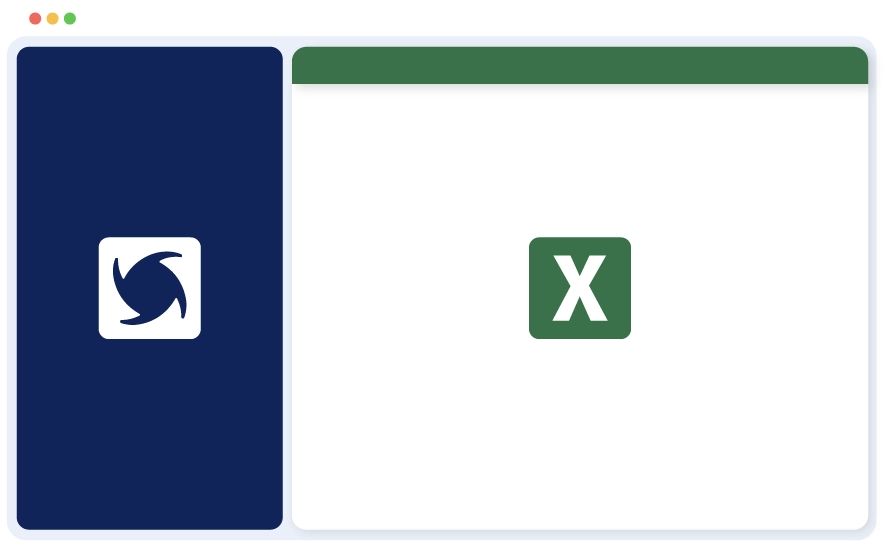
Browser-Based Access
Your teams can log in and start working in Excel without installing anything.
All activity takes place directly in the browser.
No local licenses or remote desktops are needed, and what users see on screen is Excel operating in real time.
How we protect Information and access within the Platform ?
Enterprise-grade security designed to guarantee confidentiality, integrity, and continuity across every learning experience.
- Private and isolated sessions: each environment is independent, preventing any overlap between users or organizations.
- Data encryption in transit and at rest: every file and connection is secured to protect sensitive information.
- Firewalls and segmented access: built to limit connections and prevent unauthorized entry.
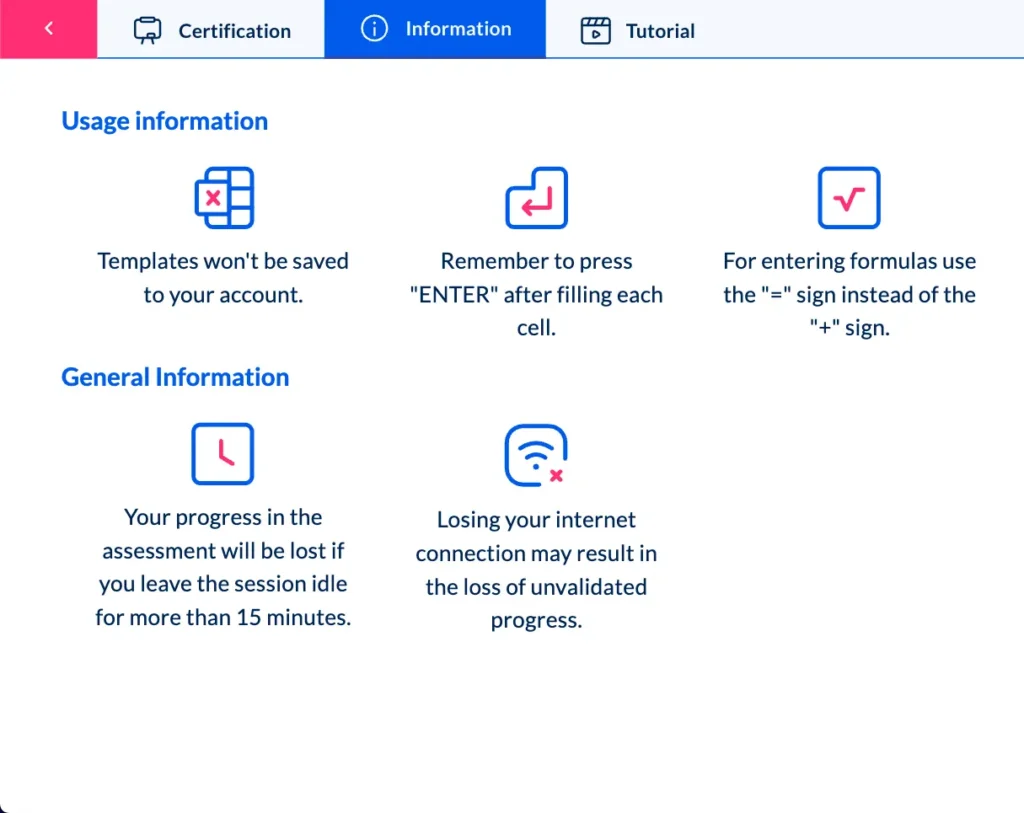
- Controlled individual access: each user operates within their own environment, with no files saved on local devices.
- Certified data centers: hosted on internationally recognized facilities that comply with the highest physical and logical security standards.
- Annual third-party cybersecurity audits: performed to validate the system’s integrity and ensure ongoing reliability.
- Continuous monitoring and maintenance: proactive oversight to guarantee availability and prevent service interruptions.
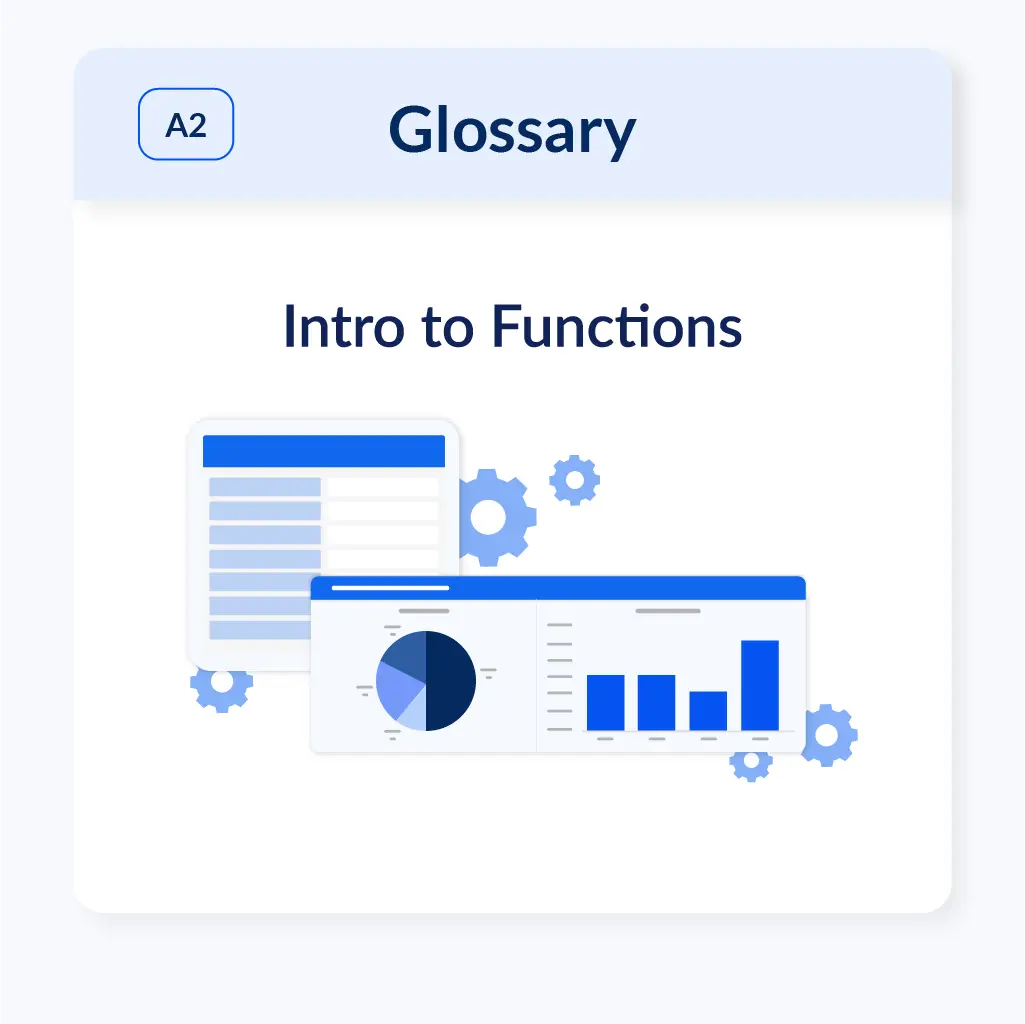
What additional resources are included in the platform?
Beyond hands-on classes and corrected exercises, each Ninja Excel certification includes complementary learning resources designed to support skill development before, during, and after each unit.
-
Certification eBooks
Each certification includes a downloadable eBook that reinforces the key concepts covered throughout the learning path.
-
Downloadable glossaries and summaries
At the end of every unit to reinforce terminology, concepts, and practical takeaways.
-
Built-in best practices and key reminders
Practical tips, Excel best practices, and critical reminders.
How is Ninja Excel different from other courses?
Most Excel courses rely on pre-recorded videos, static content, or downloadable PDFs.
Ninja Excel transforms the learning experience by combining live, hands-on practice with real-time feedback and measurable progress.
| Feature | Ninja Excel | Traditional Course |
|---|---|---|
| Learning environment | Real Microsoft Excel, accessible directly in the browser | Recorded videos or simulators |
| Learning method | Practical, interactive exercises with instant feedback | Theoretical, unassessed content |
| Progress tracking | Live dashboards with performance metrics and reports | Manual or no progress tracking |
| Certification path | Structured SECM certification route (A0–C2) | Single standalone course |
| Expert support/td> | Live chat with Microsoft Office Specialists | No direct or personalized assistance |
| Complementary resources | Glossaries, summaries, and e-books per level | Generic PDFs or scattered materials |
Lo que dicen quienes ya usan Ninja Excel

“Aprendí más en dos semanas con Ninja Excel que en meses viendo videos. Me gustó que pude practicar y repetir los ejercicios hasta entenderlos.”
Colaborador capacitado
Valeria R.
“Nuestro equipo dejó de cometer errores por no saber validar datos. Ahora usan fórmulas con confianza y eso se nota en los reportes.”
Líder de equipo
Javier M.
“Lo que más valoramos es que los reportes llegan listos. Así podemos hacer seguimiento sin perder tiempo.”
Responsable de formación
Carla D.
“Aprendí más en dos semanas con Ninja Excel que en meses viendo videos. Me gustó que pude practicar y repetir los ejercicios hasta entenderlos.”
Colaborador capacitado
Valeria R.
Frequently
asked questions
How is progress tracking delivered to the company?
Every participant can monitor their progress directly from the platform.
Twice a week, the Ninja Excel team sends a detailed report to the company’s training department that includes:
- Progress by class, unit, and certification
- Time dedicated on the platform
- Results from knowledge checkpoints
- Certification status per participant
No additional panels or external dashboards are required to access this data.
How is this different from a traditional Excel course?
In a traditional course, employees usually watch videos or read static materials with little to no interaction.
On Ninja Excel, they learn by practicing directly in real Excel, receive instant feedback, and get live assistance from a Microsoft Office Specialist during each session.
Progress is measured through real data and structured levels in the SECM certification route (A0–C2).
What kind of access does each participant have?
Each user receives individual access credentials with 100% online availability from any browser.
No installation is required, and progress can be resumed at any time.
All classes, exercises, and materials remain available throughout the certification period.
What happens if someone doesn’t complete the certification within the suggested timeframe?
Each certification has a recommended duration (usually 4 to 6 weeks), but access remains available during the full period agreed upon with the company.
If a participant falls behind, the Ninja Excel team can issue progress alerts and provide personalized strategies to help improve completion rates.
How is each course structured internally?
Each certification is divided into thematic units.
Every unit contains chapters (classes), and each class ends with a short knowledge checkpoint.
After completing all the units, the final certification exam is unlocked.
Each chapter also includes glossaries and downloadable summaries to reinforce learning.
What certifications are available?
The platform offers a progressive certification path based on the Standardized Excel Certification Model (SECM), from level A0 to C2.
Each level develops specific Excel skills, from navigation and formulas to automation and advanced analysis.
There are also specialized certifications designed for specific business areas or job roles.
Can I monitor my team’s progress?
Yes. Ninja Excel sends progress reports twice a week that include:
- Completion percentages per participant
- Number of knowledge checkpoints completed
- Time spent on the platform
- Certifications achieved
This allows you to track team performance without accessing any external systems.
How does live Excel work on the platform?
The platform integrates real Microsoft Excel through cloud technology accessible from any browser.
Execution runs on virtual machines hosted on Microsoft Azure, managed via Cameyo (Virtual Application Delivery).
This setup allows participants to work in genuine Excel, no simulators, local installations, or remote desktops, maintaining all functionalities and saving work in real time.
Each session is private and isolated, secured with end-to-end encryption, firewalls, and segmented access controls.
No data is stored locally, minimizing risk and ensuring complete confidentiality.
What does each certification include?
Each certification consists of thematic units with chapters containing video lessons and practical exercises.
At the end of each unit, learners complete a progress checkpoint, and after finishing all units, they take a final exam.
Glossaries, summaries, and a downloadable e-book are included for every level.
Do we need to install anything on company computers?
No. Everything runs directly from the browser.
The platform is compatible with any device that has an internet connection—no downloads, local licenses, or technical adjustments required.
Can we train teams located in different regions?
Yes. The platform supports geographically distributed teams, regardless of their city or country.
Each employee accesses their individual credentials and learns at their own pace. Consolidated reports allow you to monitor global team progress from a single view.
How long does platform access last and what compatibility is required?
Access duration depends on the company’s training plan.
Typically, each certification requires 4–8 weeks of learning, but this can be extended as needed.
The platform is compatible with updated browsers (Google Chrome, Microsoft Edge, Firefox) on Windows, macOS, and tablet devices.
No local Excel licenses are required.
Do we need to install anything to use the platform?
No. Access to Excel is delivered directly through the browser using Virtual Application Delivery technology.
No software installation, local licenses, or remote desktops are required.
Is the connection secure during every session?
Yes. Every session is private and isolated, with encryption in transit and at rest, firewalls, and segmented access controls.
In addition, independent cybersecurity audits are performed annually to guarantee the integrity and reliability of the system.
Turn training into
measurable business results
Give your teams a practical, results-driven learning tool that directly improves their daily work.
Real Excel practice, measurable progress, and expert guidance from Microsoft Office Specialists, everything in one platform.